 I am new to Salesforce Start with core platform fundamentals so every admin and developer concept that follows makes sense.
Salesforce: An Unexpected Journey
Learn Salesforce with step-by-step guides for admins, developers, and architects.
Primary paths
Section titled “Primary paths”Not sure where to begin? These three entry points match the most common starting situations—new to the platform, moving from admin to code, or levelling up query skills.
I am new to Salesforce Start with core platform fundamentals so every admin and developer concept that follows makes sense.  I am an admin that wants to learn code Move from declarative work to developer thinking, tools, and first coding deliverables with confidence.
  I am a developer upskilling on SOQL Level up query performance, security, and production-safe patterns for real-world Salesforce development.
 Salesforce Developer Journey
Section titled “Salesforce Developer Journey”The flagship series on JamForce: a structured path from platform fundamentals through admin mastery, developer craft, and the topics that matter most in production orgs.
 Start here: map the whole Developer Journey See how the series fits together, what to read first, and how to move from clicks to code without getting lost.
  Run a healthier org as an admin Org health and monitoring first; pair with Part 2 for Lightning UI, then automation and change in the follow-on parts.
 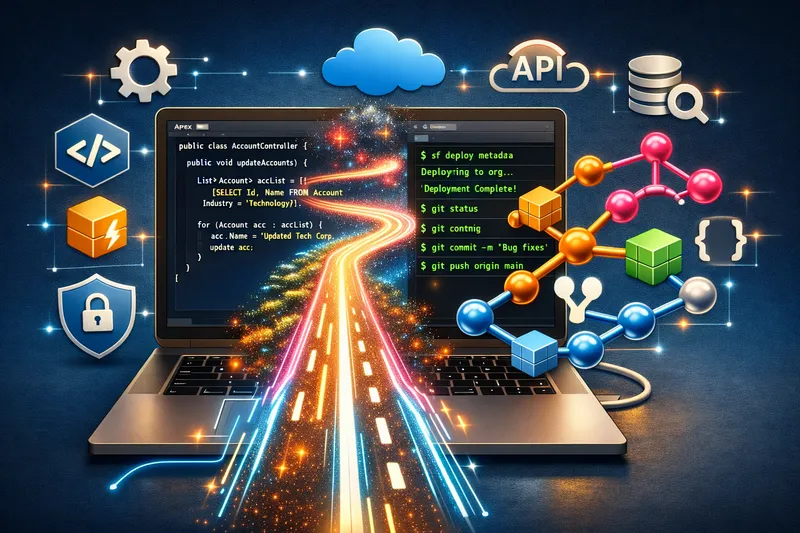 Open the developer track with confidence Tooling, first deliverables, and the mindset that keeps triggers, tests, and governor limits under control.
  AI and your future job as a Salesforce developer Where assistants help, where they mislead, and why design and review matter more when code writes itself.
 SOQL, advanced SOQL, and SOSL
Section titled “SOQL, advanced SOQL, and SOSL”Query languages sit at the heart of most Salesforce work. Start with SOQL basics, move to performance and security when your org scales, and reach for SOSL when you need to search across objects.
 SOQL without the fear Go from “what fields exist?” to readable queries you can trust in reports, Flow, and Apex.
  SOQL when the org gets serious Selectivity, security, dynamic queries, APIs, and the patterns that stop slow jobs and surprise errors.
  Search across objects with SOSL When one SOQL query is not enough—learn how SOSL thinks and where it fits next to your SOQL toolkit.
 Salesforce products and roles
Section titled “Salesforce products and roles”Context helps before you dive deep. These guides explain how major Salesforce products fit together and which career path: admin, developer, or architect, matches how you want to work on the platform.
 Sales Cloud in plain language A grounded tour of how Sales Cloud is meant to work—then explore the rest of the product articles from the sidebar.
 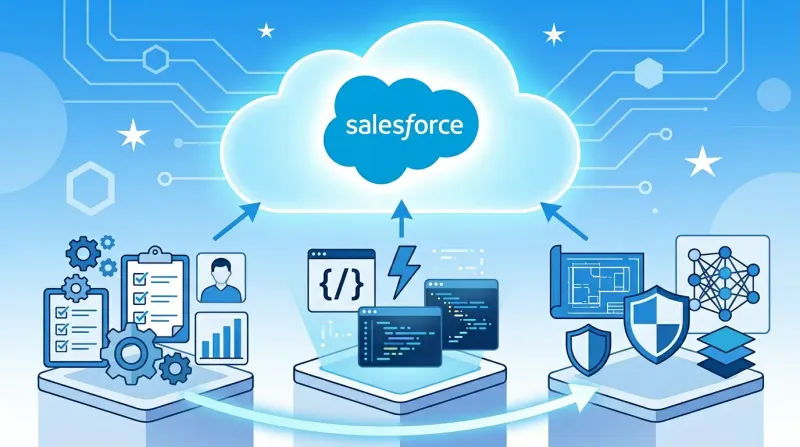 Which hat are you wearing: admin, dev, or architect? Match your day job to the right depth of craft before you dive into the role-specific deep dives.
 Shorter, timely articles on new Salesforce features, real incidents, and practical lessons that do not fit neatly into a multi-part guide series.
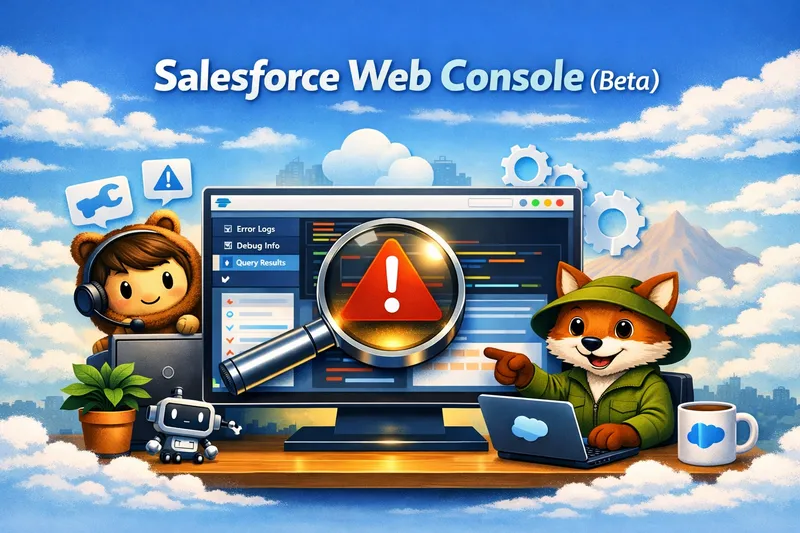 Introducing the Salesforce Web Console (Beta) How Salesforce's new browser-based IDE keeps debugging, log inspection, and targeted fixes in one connected environment—without leaving the platform.
  Cut custom integration code with Named Query API Why this Spring '26 capability replaces a lot of thin Apex REST wrappers, where it fits, and how to roll it out without losing governance.
  When platform events quietly hit their delivery limit An incident-driven look at how delivery allocations work, why one open browser tab can drain the quota, and how to design around it.
 Have a topic request or feedback? Get in touch.
Last reviewed: 29 May 2026: content refreshed for current Salesforce learning paths and site structure.